
TikTok, Reels or Shorts? How to Post One Clip on All Three
One vertical clip can work on TikTok, Instagram Reels and YouTube Shorts. Here's what to keep the same and what to adapt for each platform.
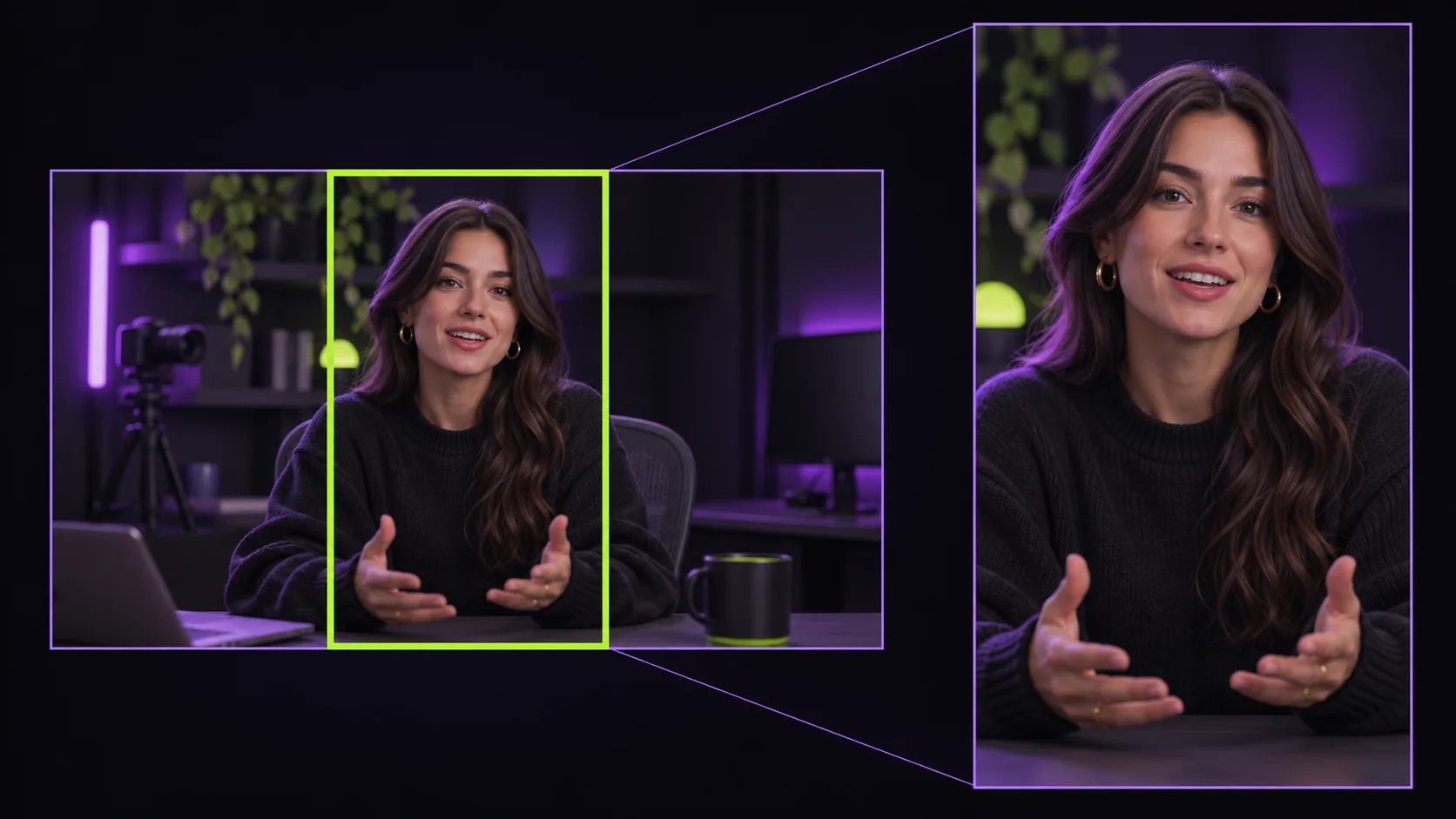
Creating separate videos for every platform burns out most creators. The good news: TikTok, Instagram Reels and YouTube Shorts all reward the same core format. One well-made vertical clip can go to all three; you only need to adapt the text around it.
What stays the same
- Format: vertical 9:16, ideally 1080×1920, filling the whole screen with no black bars
- Length: for spoken content, 30 to 90 seconds is a reliable range on all three
- Captions: burned in, large and centred, so the clip works on mute
- Hook: the point of the clip in the first seconds, not a greeting
What to adapt
The caption text. Each platform's audience reads post text a little differently. Keep the core message, but adjust the tone and the call to action: point Shorts viewers to your related long video, Reels viewers to your profile, and TikTok viewers to follow for part two.
Hashtags. Use a small number of specific hashtags that describe the topic rather than long generic lists.
Timing. Post when your audience on each platform is most active; your analytics will show this after a few weeks.
Avoid these cross-posting mistakes
- Re-uploading a clip with another platform's watermark on it
- Horizontal videos shrunk into a band in the middle of the screen
- Text placed where the platform's buttons or captions will cover it
- Posting everything at once and then nothing for weeks
A simple workflow
Start from one long video, such as a podcast, webinar, tutorial or vlog. Turn it into several vertical clips, schedule one a day, and publish each clip to all three platforms with adapted text. With Clippergen, the clipping part is automatic: upload your video and get clean, watermark-free 1080×1920 MP4s with captions and a suggested title for each, ready to post anywhere.