AI highlight detection
The transcript is scored for hooks, punchlines and complete thoughts, so clips start strong and end cleanly.
Upload your podcast, stream or interview. Clippergen finds the best moments, crops them to vertical and adds bold captions, ready for TikTok, Reels and Shorts.
Drop in a podcast, stream, webinar or vlog. Add an .srt file if you already have subtitles.
Every word is transcribed, then the moments with a strong hook and a clear payoff are picked out.
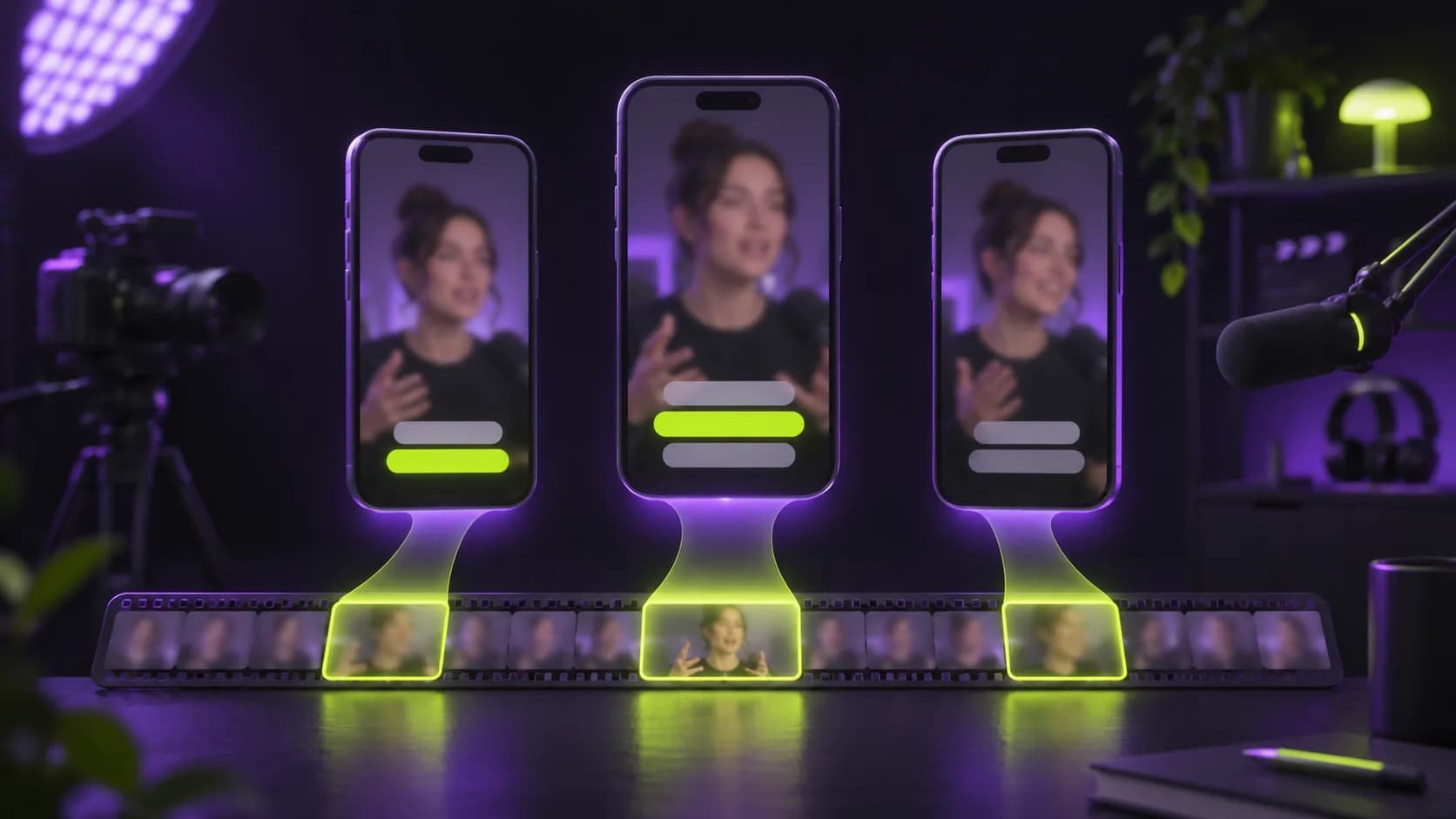
Get 9:16 clips with bold captions, ready to post on TikTok, Reels and YouTube Shorts.
No timeline, no keyframes, no export settings. Just clips that are ready to post.
The transcript is scored for hooks, punchlines and complete thoughts, so clips start strong and end cleanly.
Word-timed, centered captions in the style viewers expect. Turn them off with one switch.
Every clip is reframed to a full-HD 9:16 frame and encoded in H.264 + AAC for every platform.
Each clip comes with a suggested title and hook line you can paste straight into your post.
Upload an .srt and we use it as-is: faster processing and your exact wording.
Your clips are visible only to you, and the source upload is deleted as soon as processing ends.
An AI clip generator turns one long video into several short ones. Instead of scrubbing through an hour of footage, you upload the file and the AI reads a timestamped transcript of everything that is said. It looks for self-contained moments, the ones that open with a strong line, stay on one idea and end on a complete thought, and cuts them out as separate clips.
Clippergen then does the rest of the short-form workflow for you: it reframes each clip from widescreen to a vertical 1080×1920 frame, burns in bold word-by-word captions for people watching on mute, and suggests a title and hook for your post. You download clean MP4 files, ready for TikTok, Instagram Reels and YouTube Shorts.
If your videos are full of good ideas, they are full of good clips.
Same AI clipping workflow, without the monthly bill or expiring minutes. Competitor figures are typical public list prices and may change.
| Compared on | Edit it yourself | Subscription AI clippers | Clippergen |
|---|---|---|---|
| How you pay | With your time | Monthly subscription, typically $15–$29+ | One-time packs from $5, no subscription |
| Price per minute of video | — | Around $0.10 on monthly plans | From $0.029 |
| Unused minutes | — | Usually expire with the billing cycle | Never expire |
| Watermark on free minutes | — | Common on free tiers | Never |
| Time to get 5 clips from a 1-hour video | Several hours | Minutes | Minutes, while you do something else |
| 9:16 reframing + word-by-word captions | Extra apps and manual work | Included | Included |
From $0.029 per minute. 1 credit = 1 minute of uploaded video. Credits never expire, and failed jobs are refunded automatically.
On sign-up, no card needed
$0.050/min · one-time, never expires
$0.040/min · one-time, never expires
$0.029/min · one-time, never expires
Free guides on hooks, clip length, captions and repurposing.
Something else? Contact us.
1 credit = 1 minute of uploaded video, rounded up. A 12-minute upload costs 12 credits, however many clips you get back. If a job fails, the credits go back to your balance automatically.
Any video file you own the rights to: MP4, MOV, WEBM or MKV. You can also attach an .srt subtitle file to skip transcription. We never download videos from YouTube or other sites.
Most videos are ready in a few minutes. You can close the tab: the job keeps running and your clips appear in your library when they are done.
Between 30 and 90 seconds each, the sweet spot for Shorts, Reels and TikTok. You choose how many clips you want per video.
The source file is deleted as soon as processing finishes. Your finished clips stay in your private library until you delete them.
No. Upload, wait, download. Captions, cropping and encoding are all done for you.
No. Clippergen only works with video files you upload, so you stay in control of your content and respect platform rules. Export the video from your editor or YouTube Studio and upload the file.
Speech recognition supports dozens of languages, and titles, hooks and captions are written in the language spoken in your video.
No. Every clip is a clean 1080×1920 MP4, including clips made with free minutes.
Start with 15 free minutes. No card, no subscription, no watermark.
Create my first clips