
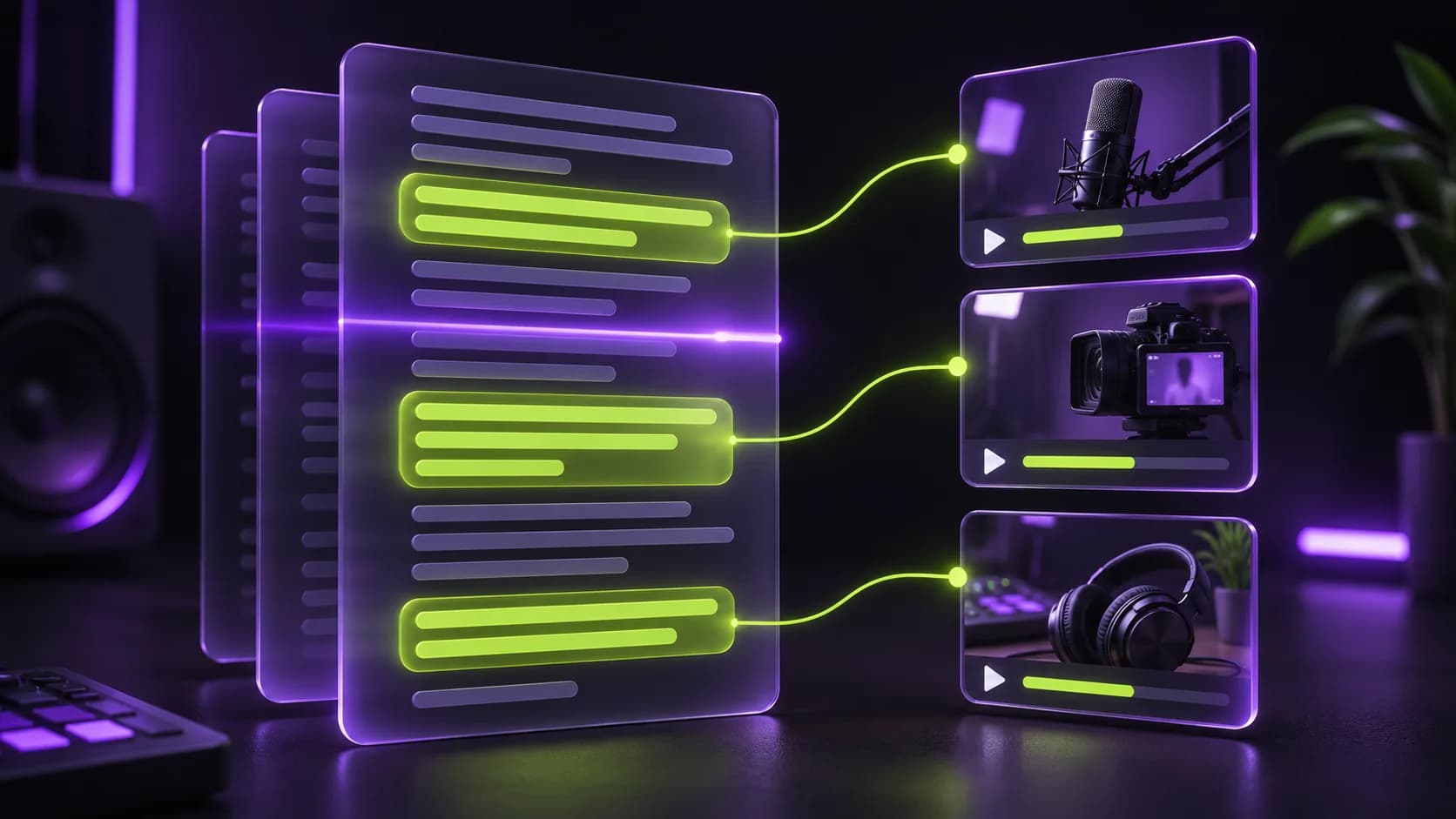
How the AI picks highlights
First, your video is transcribed with word-level timestamps (or we use the .srt you upload). The AI then reads the full transcript the way an editor would, looking for moments that open with a strong line, stay on one idea, and end on a complete thought.
Every suggestion is checked against the real length of your video and snapped to sentence boundaries, so a clip never starts mid-word or ends halfway through a point.
- Clips between 30 and 90 seconds, the range that suits Shorts, Reels and TikTok
- No overlapping clips: every short covers a different moment
- Works in the language spoken in your video
Built for people who don't edit
There is no timeline to learn. Upload, pick the number of clips, and come back to a library of ready-to-post shorts. You can close the tab while it works: the job keeps running on our servers and the clips appear when they're done.
If you want control, every clip shows exactly where it was cut from in the original video, so you can re-edit it in your favourite app if needed.
Fair, per-minute pricing
You pay one credit per minute of uploaded video, however many clips you ask for. If a job fails for any reason, the credits go straight back to your balance.
What makes a moment clip-worthy
Short-form viewers decide in a second or two whether to keep watching, so the best clips are rarely the most "important" parts of a video; they are the most self-contained. The AI favours moments that state a point clearly at the start, add one supporting idea, and resolve, rather than moments that depend on something said ten minutes earlier.
It also avoids the usual traps of manual clipping: starting on filler words, cutting a speaker off mid-sentence, or ending on a cliffhanger that only makes sense in the full episode. Every suggested clip is checked against the transcript so its first and last lines are complete sentences.
- Strong opening lines: claims, questions, surprising facts
- One idea per clip, explained from start to finish
- Clean endings: a conclusion, punchline or clear takeaway
- Different moments: clips never overlap each other
From upload to finished clips
After you upload, Clippergen transcribes the audio with word-level timestamps, sends the transcript to the highlight model, validates every suggestion against the real length of your video, then renders each clip in vertical full HD with captions. Progress is shown live in your dashboard, and each clip is checked with ffprobe before it is marked ready, so you never download an empty or broken file.
Long recordings are handled in chunks, so a two-hour podcast is processed the same way as a ten-minute vlog. You can upload several videos and keep working while they process.
When to review the AI's picks
The AI is a fast first editor, not a replacement for your judgement. Watch each clip before posting, especially for sensitive topics, inside jokes, or moments that rely on visuals the transcript can't describe. If a clip isn't right, delete it; the start and end times shown in the library make it easy to recut it manually if you want a different version.