
Captions on Short Videos: Don't Lose the Viewers Who Watch on Mute
Why captions matter so much on TikTok, Reels and Shorts, what makes them readable on a phone, and how to add them without manual work.
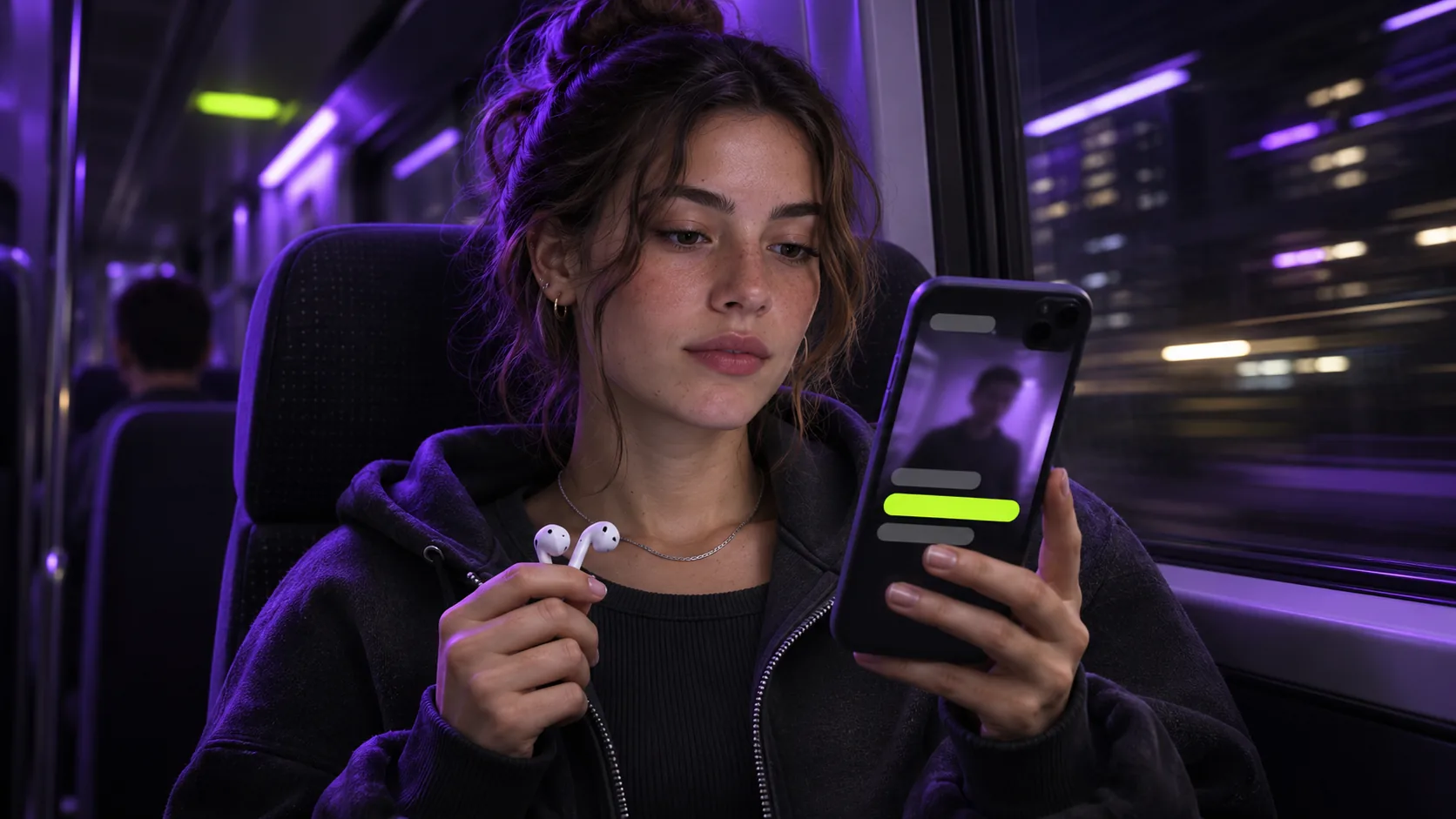
Think about where people watch short videos: on the train, in a waiting room, in bed next to someone sleeping, at their desk. In a lot of those places the sound is off. If your clip depends on audio alone, those viewers scroll past in a second, however good the content is.
What captions do for a clip
- They make the clip watchable on mute, which keeps viewers who would otherwise skip.
- They help people follow fast speech, strong accents and noisy recordings.
- They make your content accessible to people who are deaf or hard of hearing, and to viewers watching in a second language.
- They hold attention. Words appearing in time with speech give the eye something to follow.
What readable captions look like
Captions for short-form video follow different rules from film subtitles. The screen is small and the viewer is moving fast:
- Large, heavy type with a thick outline, so it reads over bright and dark backgrounds alike
- Only two to four words at a time, so they can be read at a glance
- Placed in the lower-middle of the frame, away from usernames and buttons
- The word being spoken highlighted, so viewers keep their place
Burned-in or uploaded subtitles?
Platforms let you upload subtitle files, but viewers can turn them off and each app styles them differently. Burned-in captions are part of the video image: they look exactly the same everywhere and can't be switched off. For short-form clips, burned-in captions are the norm.
Accuracy matters
Modern speech recognition is very accurate on clear audio, but names, brand terms and jargon are the usual sources of mistakes. If exact wording matters, use a reviewed subtitle file: with Clippergen you can upload an .srt alongside your video and the captions will use your exact text.
Adding captions without manual work
Typing and timing captions by hand takes far longer than the clip itself. Clippergen transcribes your video with word-level timing and burns bold, centred captions into every clip automatically, with the active word highlighted. You can switch captions off if a clip doesn't need them, and there is no extra charge either way.