
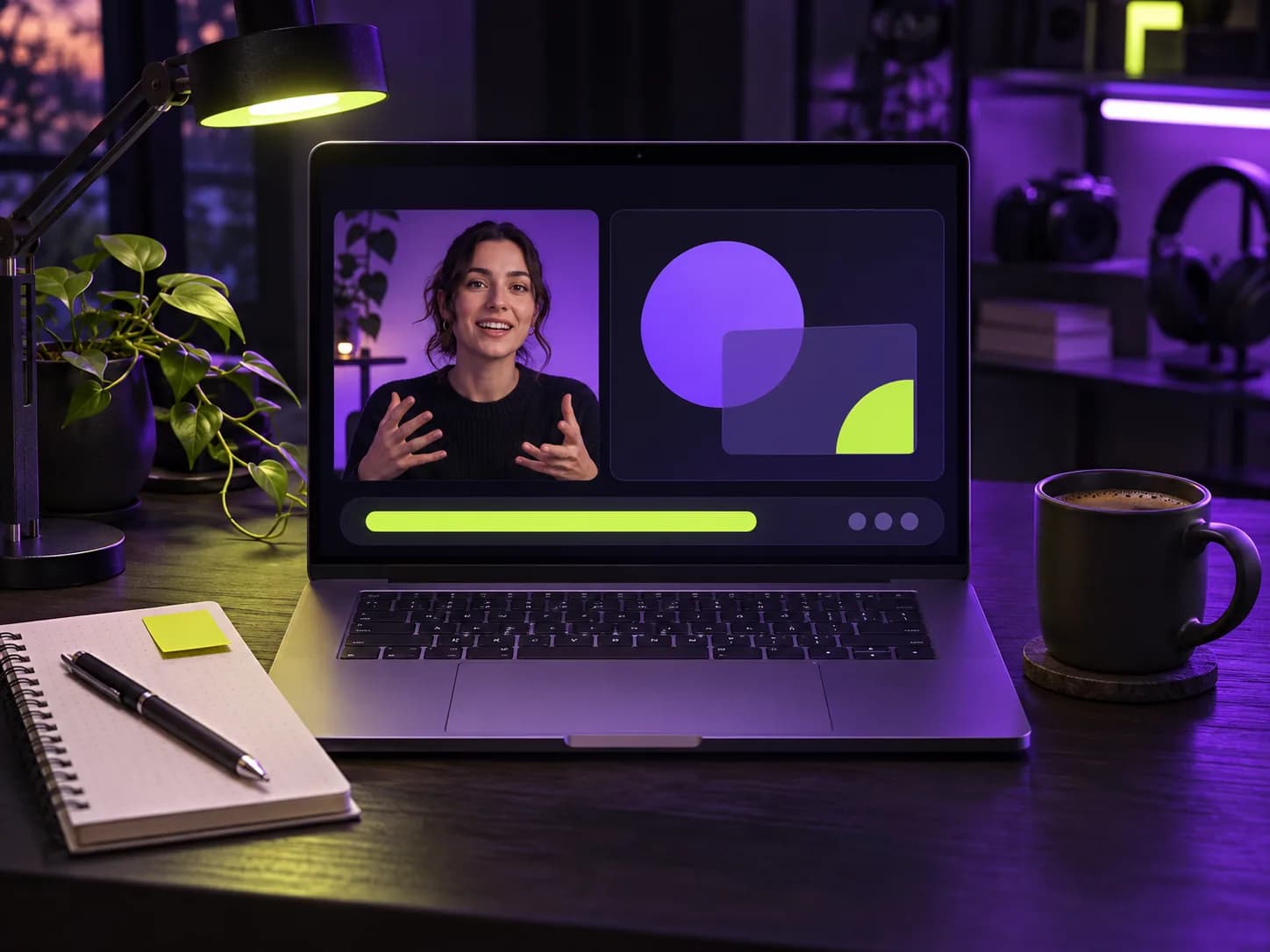
From one recording to a content series
Upload the recording after the event and ask for up to ten clips. You get the clearest explanations, the strongest opinions and the best audience questions as vertical videos.
- Promote the replay
- Share speaker highlights
- Announce the next event with proof from the last one
Recording tips for better clips
Use speaker view rather than gallery view when you export, keep the presenter centred, and make sure the audio is clean. Good audio means accurate captions and better highlight picks.
Where to use webinar clips
One recording can feed many channels:
- Social posts to promote the replay or the next session
- Sales emails that answer a common objection with a 45-second clip
- Event recap pages and newsletters
- Onboarding material for new customers
Exporting from Zoom, Teams and other tools
Most webinar tools let you record in speaker view or gallery view. Speaker view crops much better to vertical because the presenter fills the frame. If slides are important, consider a layout with the presenter large and slides small, or record the presenter camera separately.