
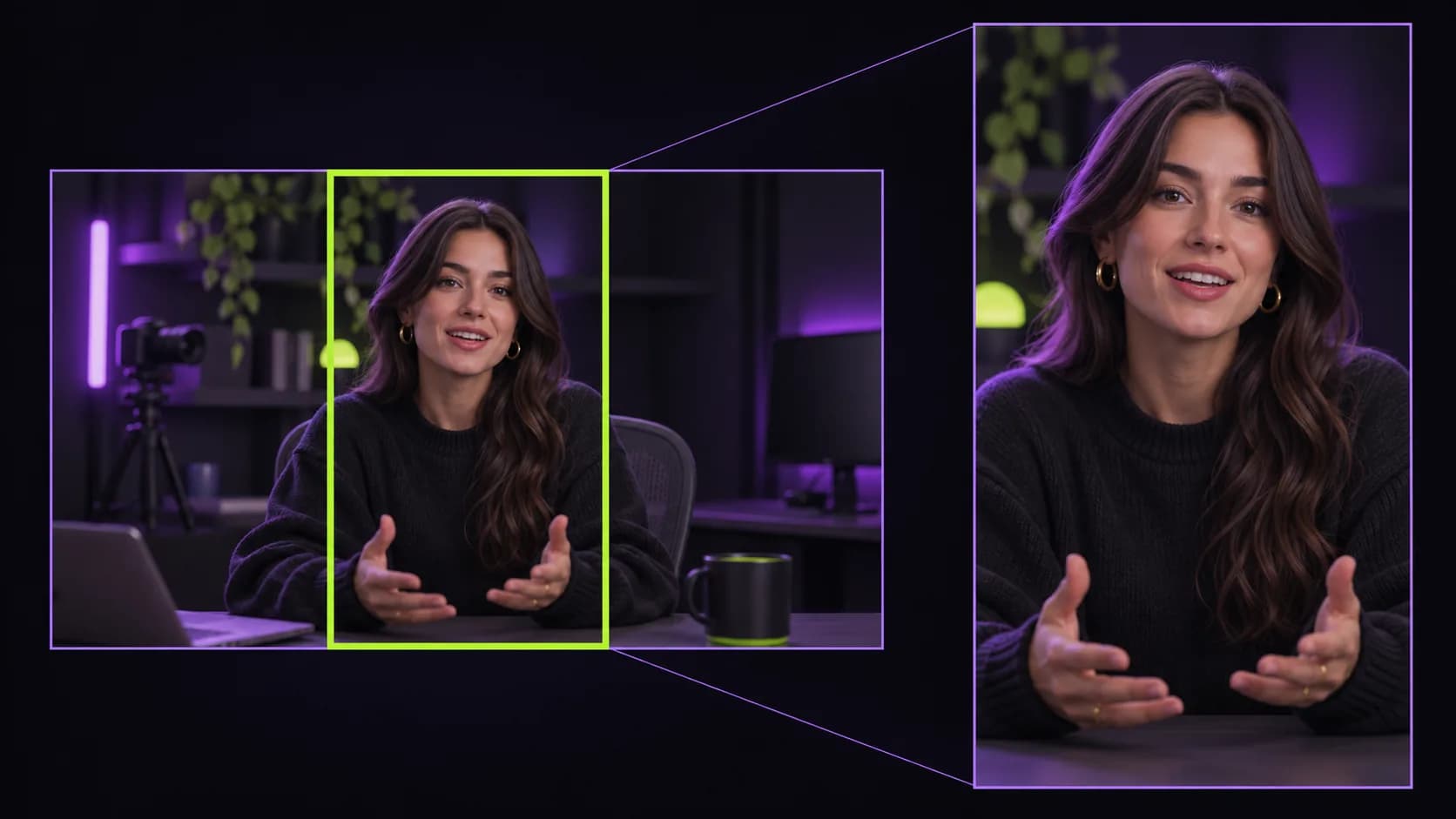
Fills the whole phone screen
Vertical platforms reward videos that fill the screen. Clippergen scales your footage to cover the 9:16 frame and keeps the centre of the shot, which is where most talking-head and podcast cameras put the speaker.
The result is exported as an H.264 MP4 with AAC audio at 1080×1920, a format every platform and phone accepts without re-encoding.
- 1080×1920 full HD output
- H.264 + AAC MP4, optimised for fast streaming
- Works with MP4, MOV, WEBM and MKV uploads
Best results: frame for vertical
Because the crop is centred, the best source footage keeps the speaker near the middle of the frame. For two-person podcasts, a camera per person or a tight centred shot works better than a very wide angle.
Why native vertical matters
When a horizontal video is posted to a vertical feed, the platform shrinks it into a small band in the middle of the screen. It looks like a repost, the speaker is tiny, and it competes poorly against videos that fill the whole screen. Reframing to 9:16 puts the speaker front and centre at a size that reads on a phone.
Clippergen exports at 1080×1920, the native resolution for TikTok, Reels and Shorts, so platforms don't need to rescale your clip and quality stays sharp.
Shooting for an easy crop
A few habits when you record make every future clip look better:
- Keep the speaker roughly in the centre third of the frame
- Leave some headroom: the vertical crop shows more space above and below
- Avoid putting important text or products at the far left or right edges
- For two-person shows, record a camera per speaker or a tighter centred shot