
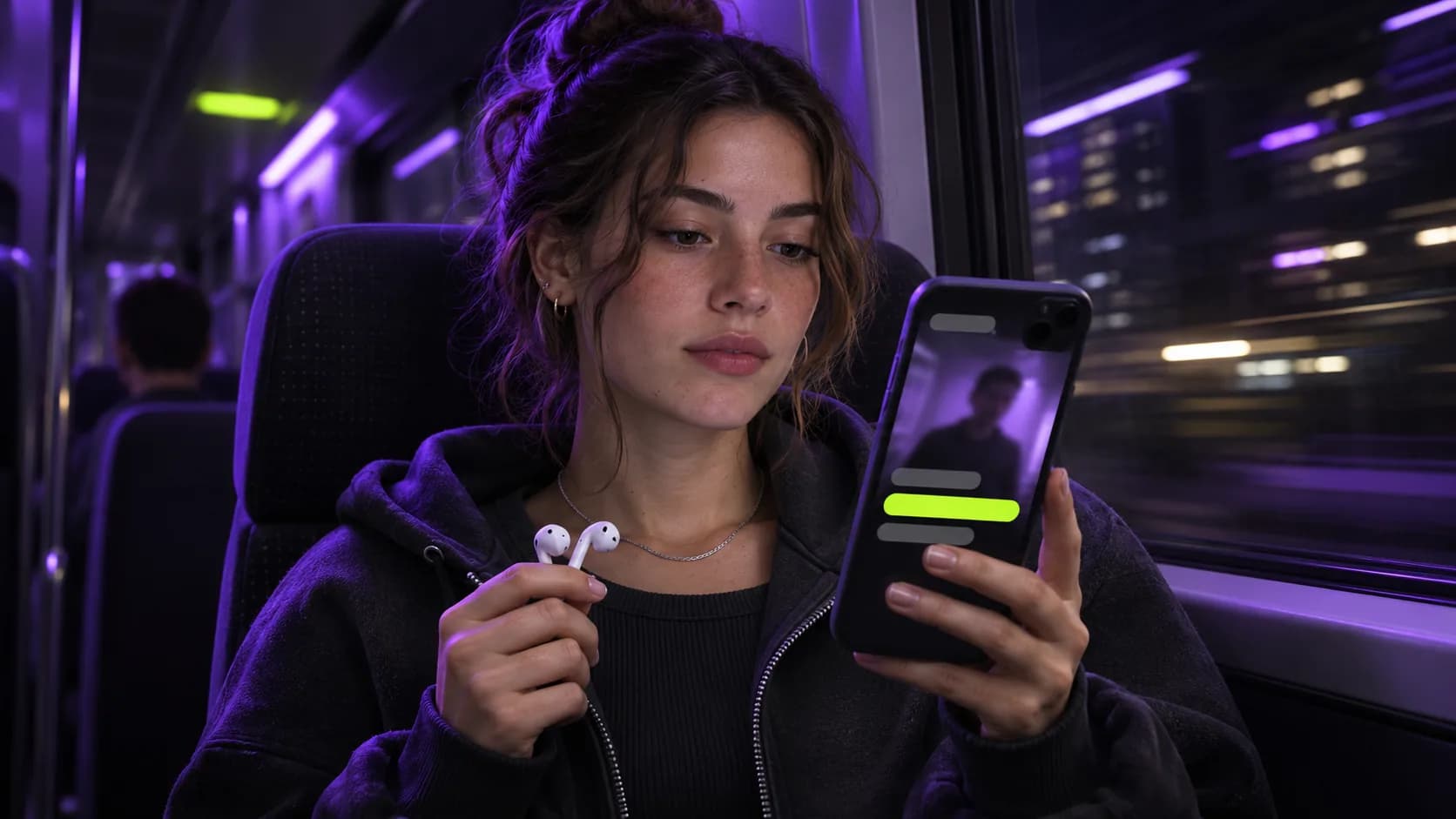
Why captions matter
People often watch in places where they can't play sound: on public transport, at work, late at night. Without captions, a talking-head clip is just a moving face. Captions also help non-native speakers and anyone in a noisy place.
- Clips work on mute
- Easier to follow fast speech and accents
- More accessible to deaf and hard-of-hearing viewers
What makes captions readable
Use large, heavy type with a strong outline so it stays readable over any background. Show only a few words at a time and keep them in the lower-middle of the frame, away from platform buttons. Highlighting the word being spoken helps viewers keep their place.
Burned-in vs. uploaded subtitles
Burned-in captions are part of the video image and look the same everywhere. Platform subtitles can be turned off by viewers and are styled by each app. For short-form feeds, burned-in captions are the norm.
Adding captions automatically
Clippergen transcribes your video with word-level timing and burns bold, centered captions into every clip. If you have a reviewed .srt file, upload it and your exact wording is used.
Caption style checklist
Before you publish, check your captions against this list:
- Readable at phone size from arm's length
- High contrast against every part of the video
- Two to four words on screen at a time
- Placed away from platform buttons and usernames
- Correct spelling of names and key terms
Fixing common caption errors
Automatic captions most often miss names, brand terms and words spoken over noise. If a clip contains an important name or term, check it before posting. For content where exact wording matters (legal, medical, brand campaigns), export a reviewed .srt from your editor or transcription tool and upload it with your video so the captions use your exact text.