
How to Get 10 Short Clips From One Podcast Episode
A practical routine for turning a single episode into a week of TikToks, Reels and Shorts, without re-editing anything by hand.
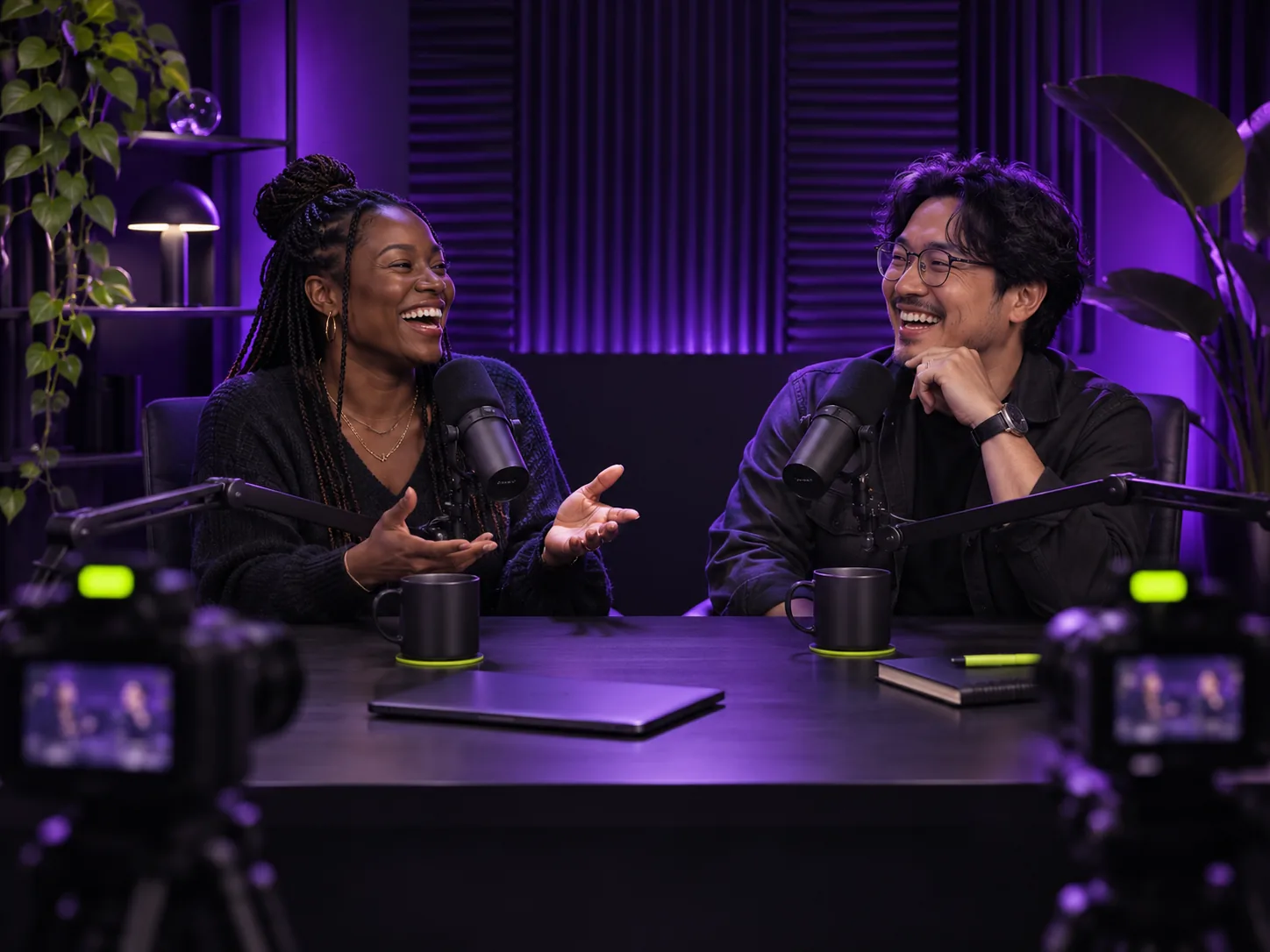
Podcast episodes are full of moments that would work on their own: a sharp opinion, a funny story, a clear answer to a question your audience keeps asking. The problem is time. Scrubbing through an hour of conversation to find them, cutting them, reframing them and adding captions can take longer than recording the episode. Here is a routine that turns one episode into a week of short clips.
1. Record with clips in mind
You don't need to change your show, just a few habits. Keep each speaker close to their microphone so the audio stays clean. If you record video, use one camera per person or a tight, centred two-shot: vertical crops keep the middle of the frame. And when you answer a question, restate it in your answer ("The biggest mistake with pricing is…"). That one habit makes almost every answer usable as a stand-alone clip.
2. Find self-contained moments
A clip that works in a feed has a beginning, a middle and an end. Look for moments that open with a strong line, stay on one idea and finish with a conclusion or punchline. Good candidates:
- A strong opinion or a myth being challenged
- A short story with a clear payoff
- A practical tip explained in under a minute and a half
- A guest's best answer (which they will usually be happy to share)
Reading a transcript is far faster than rewatching. Skim for numbers, stories and strong verbs; that is where clips hide. Clippergen does this step for you: it transcribes the episode, picks the strongest self-contained moments and cuts them on sentence boundaries.
3. Make every clip work on mute
Many people scroll with the sound off. Without captions, a talking-head clip is just a moving face. Burn large, high-contrast captions into the video, a few words at a time, and keep them in the lower-middle of the frame so platform buttons don't cover them.
4. Write a hook and a title
The first line of the clip and the post caption decide whether people stay. Start the clip on the sentence where the point is made, not on the warm-up before it, and write a specific title: "The pricing mistake that cost us three months" beats "Great episode clip!".
5. Post on a schedule
Ten clips posted the same day perform worse than ten clips posted over two weeks. A simple rhythm: publish the episode, then post one clip a day across TikTok, Instagram Reels and YouTube Shorts, each pointing back to the full episode. At the end of the week, note which topics did best and plan your next episode around them.
Doing it in minutes
Upload the episode to Clippergen, choose how many clips you want and switch captions on. You get vertical 1080×1920 clips with word-by-word captions and a suggested title and hook for each one, ready to download. New accounts get 15 free minutes to try it on a real episode.