
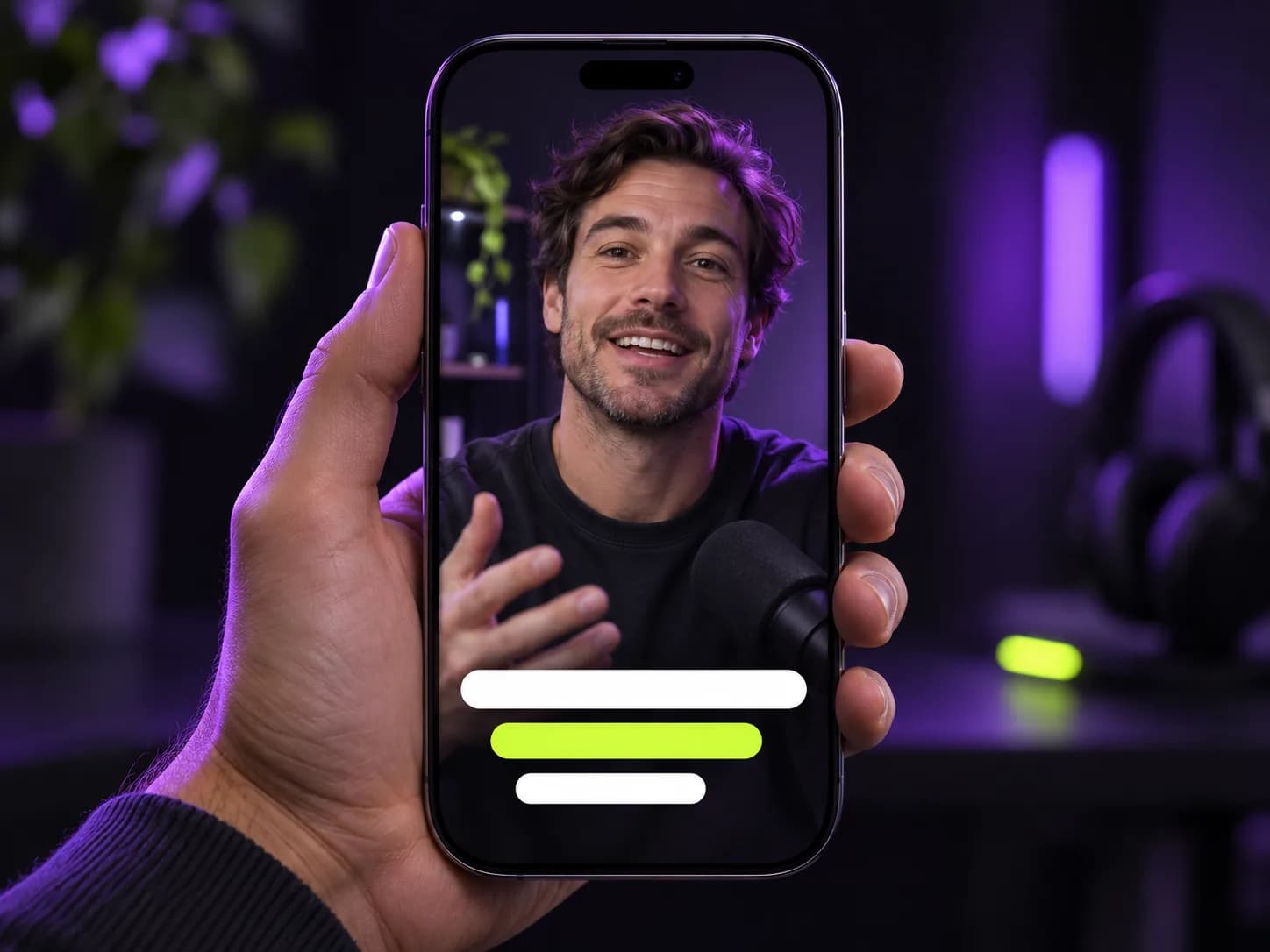
The caption style viewers expect
Captions appear in short groups of up to three words, in heavy uppercase type with a thick outline, so they stay readable over any background. The active word lights up as it is spoken, which makes the video feel faster and helps viewers keep their place.
Captions sit in the lower-middle of the frame, clear of the profile and button overlays that TikTok, Reels and Shorts place at the edges.
- Word-level timing from speech recognition
- High-contrast white text with a black outline
- Active word highlighted in colour
- One switch to turn them off
Accurate words, or your exact words
Captions are generated by Whisper-class speech recognition, which handles accents, names and fast speech well. If you already have a subtitle file, upload the .srt with your video and we will use your exact wording instead.
Burned in, so they work everywhere
The captions are part of the video image, so they show up the same way on every platform and in every messaging app, with no separate subtitle upload.
How the captions are timed
Speech recognition returns a timestamp for every word. Clippergen groups words into short phrases of up to three words, breaking early at punctuation or natural pauses, and highlights each word for exactly as long as it is spoken. The result reads at the pace of the speaker instead of flashing full sentences that viewers can't finish.
Because the clip is rendered with captions burned in, the timing is identical on every platform and device; there is no subtitle file that can drift out of sync after upload.
Design choices that improve readability
Every detail of the caption style is chosen to be readable on a small screen in a noisy feed.
- Heavy uppercase type with a thick black outline: legible over bright or busy footage
- Three words at a time: the eye reads a group at a glance
- Lower-middle placement: clear of usernames, buttons and progress bars
- Colour highlight on the active word: viewers keep their place even on mute
Captions and accessibility
Captions are not only an engagement trick: they make your videos usable for people who are deaf or hard of hearing, for viewers watching in a second language, and for anyone in a place where they can't play sound. Burned-in captions are the most reliable way to make sure they are always there, whichever app someone watches in.